A GUI Wrapped Around Work OpenAI Had Already Shipped
The framing of this release - 'ChatGPT finally comes to Linux' - overstates what's actually new. The Codex CLI and IDE extension already worked on Linux before this app existed [1]; what shipped on August 11 is primarily a visual interface layer for people who prefer a windowed app over a terminal workflow [1].
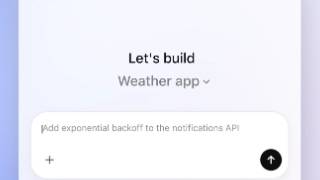
Once installed via the .deb or .rpm package, the app is a single native window that switches between two modes through a menu in its upper-left corner: a ChatGPT/Work mode for everyday chat and tasks, and a Codex mode that opens a full development environment for writing and debugging code, running tests, reviewing changes, and working directly with local repos, folders, and terminals [2]. Compared with the browser version of ChatGPT, the desktop build can run Codex against local repositories, hook into and control other installed apps through extensions, and read local files without requiring users to upload them anywhere first [3].
One detail didn't make OpenAI's own announcement. The top comment on the r/linux discussion of the launch claims the app's embedded browsing surface runs on Owl, the browser engine OpenAI originally built for its now-discontinued Atlas browser, repurposed here as an in-app sidebar. If that holds up, the 'new' Linux app is less a from-scratch build for Linux and more an assembly of two things OpenAI already had lying around: Codex's existing CLI tooling and a browser engine from a product it shut down.